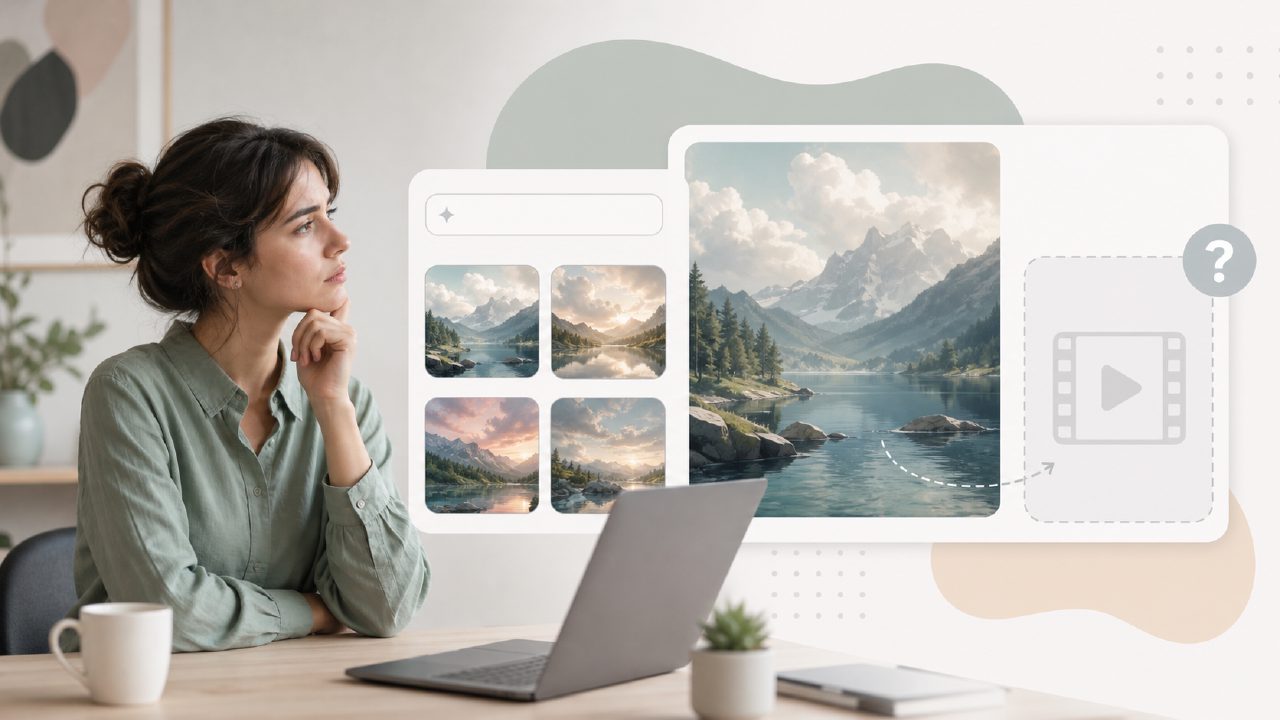
I was looking for a free way to generate both still images and short video clips from text prompts. A single tool that could handle both would save me a lot of context switching. That search led me to try Vizly, an AI image generator that promised to turn text into visuals quickly. The description sounded promising, but I needed to test whether Vizly could also deliver on the video side of things.
First impressions of Vizly as a free ai text to image tool
The sign‑up process was simple. No credit card required, and you get a daily credit allowance that resets. Within a few minutes I was generating my first image. I typed in "a fox in a forest at sunset" and hit generate. The result appeared in about 30 seconds. The colours were vivid, the composition made sense, and it honestly looked better than what I’d seen from some paid tools in the same category. For a free tier, that was a strong start.
I tried a few more prompts: a futuristic city street in rain, a charcoal sketch of a woman reading a book, a cartoon cat with glasses. Each came back reasonably consistent with the prompt, though the quality varied. The cartoon cat had a slight over‑sharpened look, but it was still usable for a social media post or a concept mock‑up. The interface itself is clean – no clutter, just a text box, some style options, and a generate button. I liked how quickly I could iterate.
Does Vizly actually support video generation?
This is where things got less straightforward. I couldn’t find any obvious video generation mode in the Vizly interface. No timeline, no frame‑by‑frame controls, no option to animate an image. The product clearly focuses on static image creation. I spent about fifteen minutes clicking through menus and style settings, but never saw a video export option. If Vizly does offer a hidden video feature, it’s not surfaced well enough for a new user to find it.
That’s a real limitation if your search intent behind ai text to image with video free is about getting both outputs from one platform. Vizly handles the image part well, but you won’t get video clips from the same tool. You’d need to pair it with something like Runway or Pika Labs for the video component.
A tradeoff: good images, no native video
So what do you actually get from Vizly? A solid, free image generator with reasonable prompt understanding and decent turnaround times. What you don’t get is any motion or animation capability. That tradeoff is worth considering. If your work is purely visual – illustrations, mood boards, concept art – Vizly might be enough on its own. If you need short video clips from text, you’ll be juggling multiple tools.
Where Vizly stumbles a bit
I noticed the prompt adherence isn’t bulletproof. When I asked for "a cat wearing a hat, holding a cup of coffee, digital art style", the output showed a cat with a top hat – but no coffee cup. The expression was fine, the lighting was decent, but that missing detail was frustrating. For a free tool, you expect occasional misses, but it’s something to keep in mind if your prompt relies on precise object placement.
Another minor friction: the free credits run out faster than you’d think. Each generation costs one credit, and you get maybe twenty per day. If you’re experimenting heavily or refining a concept, you can burn through those in twenty minutes. After that, you’re stuck waiting until the next day or upgrading to a paid plan.
Should you use Vizly for free ai text to visuals in 2026?
If your primary need is still images, yes – Vizly is a decent free option that delivers quickly. The interface is beginner‑friendly, the quality is above average for the price (free), and the turnaround time is consistent. I can see it working well for blog headers, basic design concepts, or creative experiments.
But if you’re searching for a true ai text to image with video free tool, Vizly isn’t that product. It does one thing well and doesn’t pretend to do the other. I appreciate the honesty in the product design, but it means you’ll still need a separate tool for video generation. For now, the hunt for a genuinely free combined image‑and‑video generator continues, and Vizly hasn’t filled that gap.
Comments
Leave a Comment