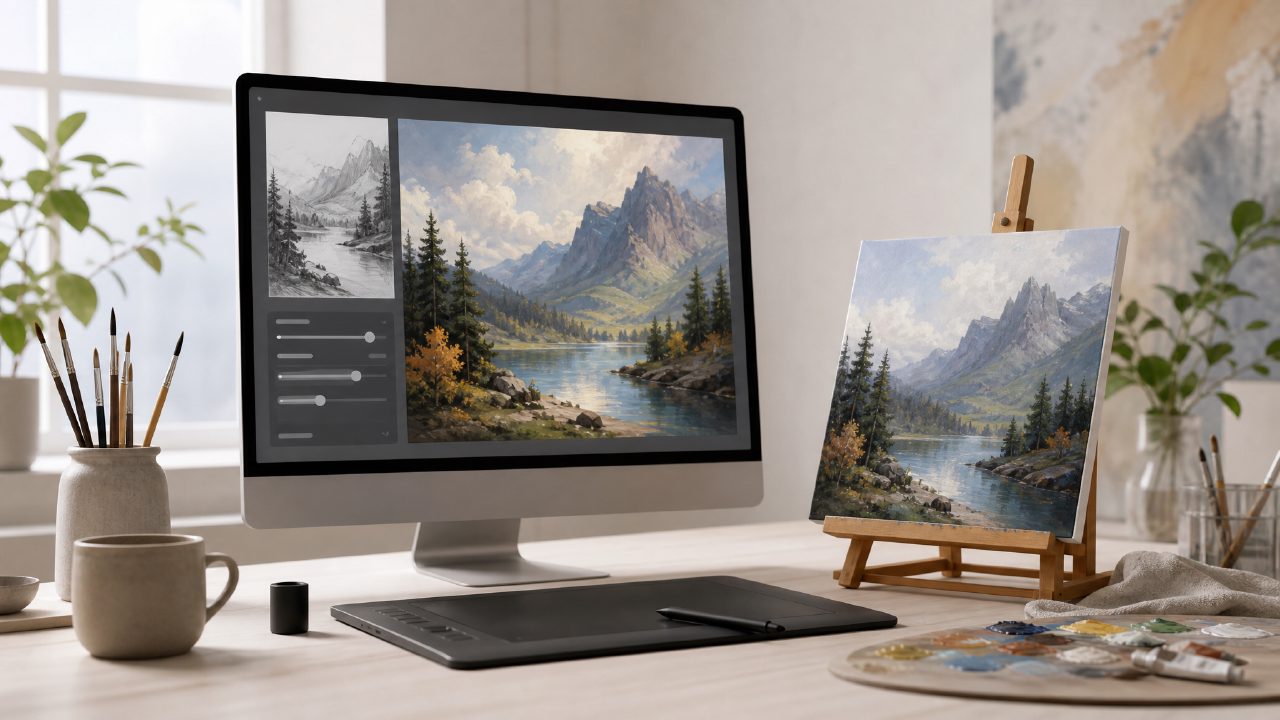
I needed a set of blog visuals for a client who wanted something that didn’t look like stock photography. I’d been cycling through several AI image tools and was getting tired of the same glossy, over-processed look. That’s when I gave Vizly Image Studio a proper test run. It’s an AI 绘画 tool that generates visuals from text prompts, and I decided to see if it could handle a real project without too much back-and-forth.
Getting Started with Vizly
Signing up was straightforward. No credit card required for the free tier, which is always a relief. The interface is clean — a single text box and a few style controls. I typed in a basic prompt for a blog header image: “a modern workspace with plants and warm lighting, digital art style, soft colors.” Within about 20 seconds, I had four variations.
The initial results were decent but not exactly what I had in mind. The lighting felt flatter than I wanted, and one image had an oddly proportioned desk. That’s when I realised Vizly let me tweak the prompt with more specific terms like “cinematic lighting” and “photorealistic but with a slight illustration feel.” The second batch was noticeably better — the textures on the leaves and the way the light hit the desk actually looked convincing.
This is where vizly started to stand out for me. The model seemed responsive to finer prompt adjustments, more so than some other free tools I’ve tried. I didn’t need to rephrase things five times to get a small change in mood.
Hands-On With a Few Test Runs
I ran a few more tests to push it further. First, a product mockup: “a ceramic mug on a wooden table, morning sunlight, shallow depth of field.” The output handled the lighting really well — the reflections on the mug surface were soft and natural, not harsh like some generators produce. The wood grain also looked detailed without being noisy.
Then I tried something more abstract: “a dreamy landscape with floating islands, pastel colours, whimsical art style.” Here I saw a tradeoff. The composition was creative and the colours worked together nicely, but one of the floating islands had a strange jagged edge that didn’t feel intentional. It wasn’t a dealbreaker, but it reminded me that AI 绘画 tools still struggle with geometric precision for organic forms sometimes.
On the upside, generation speed stayed consistent. Even with detailed prompts, I rarely waited more than 30 seconds for a set. That’s quicker than some other free options I’ve tested recently.
Where It Fits and Where It Doesn’t
If you’re looking for a best free ai image generator 2026 candidate, Vizly is worth considering. The free tier gives you a reasonable number of daily generations, and the quality is solid for casual content creation, social media graphics, blog headers, or early concept sketches. It’s not a replacement for professional tools like Photoshop or Midjourney if you need fine control over composition or multi-layer editing. But for quick turnaround and decent aesthetic sense, it gets the job done.
One limitation I noticed: the style presets are fairly broad (“photorealistic”, “digital art”, “oil painting”, etc.) but there’s no way to input a specific artist style or reference an existing image for style transfer. That would be a nice addition. Also, the tool currently doesn’t handle text rendering well — I tried “a sign that says Welcome” and the letters were jumbled. That’s common with image generators, but worth knowing if you need legible text.
As for video generation, Vizly is strictly image-focused. So if you’re hunting for a best ai text to video tool 2026 or a best free ai video generator 2026, you’d want to look elsewhere. Personally, I think Vizly does better to stay in its lane than to add half-baked video features.
Final Thoughts After a Full Week
I used Vizly for about a week on a mix of client work and personal experiments. The consistency was better than expected for a free-tier tool. There were a couple of hits and misses — sometimes the model would overinterpret a prompt and add elements I didn’t describe, like an extra lamp or a weird shadow. But most of the time, the output was usable after a few prompt tweaks.
Would I pay for the premium tier? Only if I needed batch generations or higher resolution for print. For web use, the free version already covers what most people need. If you’re testing the waters with AI 绘画, Vizly is a practical starting point. It’s not perfect, but it’s honest about what it can do, and that’s more useful than a tool that promises everything and delivers little.
Comments
Leave a Comment