I’ve been testing AI image tools for a while now, and most of them fall into two camps: either they’re too random to rely on, or they lock you into a very specific style. When I first heard about Vizly Image Studio, I was skeptical—another "text-to-image" wrapper? But after spending a couple of weeks using it for blog headers, social cards, and even some mock design concepts, I think it deserves a closer look. Here’s my take as someone who actually makes content daily.
What Makes Vizly Different from the Usual AI Generators
The first thing I noticed: Vizly doesn’t just spit out a single image from a prompt. It gives you a set of variations right away, and the resolution options are actually useful for web use. Most tools cap you at 1024x1024 or force you to upscale later. Vizly lets you choose square, landscape, or portrait out of the gate, which saves me a step when I need a specific aspect ratio for a blog cover.
Another practical thing—the interface is clean. No buried sliders, no cryptic parameters. You type something like “minimalist workspace with a laptop and a plant, soft afternoon lighting,” and within a few seconds you get four options. It’s fast enough that I can iterate without losing momentum.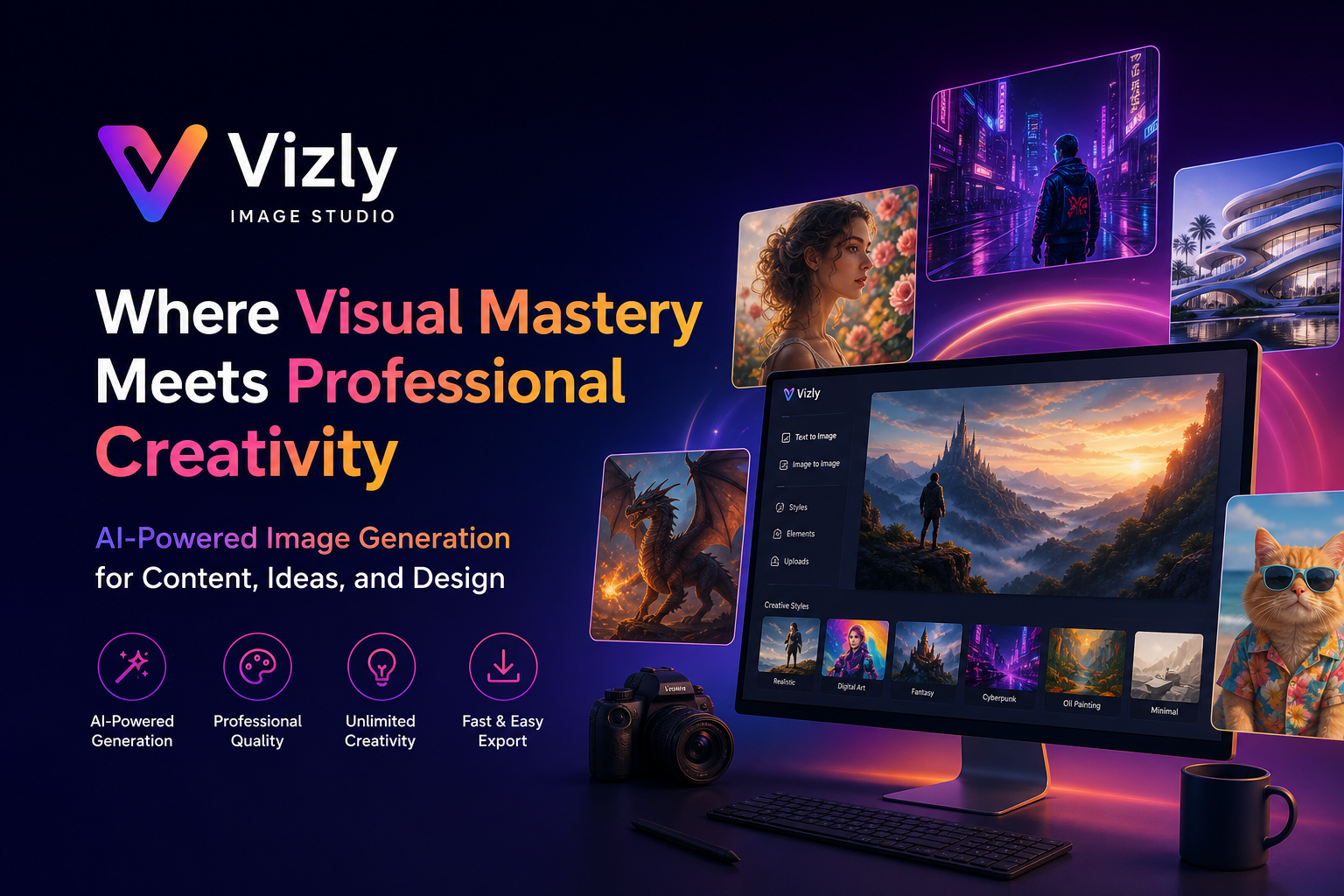
Real Scenes Where Vizly Shines
I use it mostly for three things:
- Quick visual concepts for blog posts. My niche is productivity tools, so I need images that feel clean but not corporate. Vizly handles “abstract representation of workflow” surprisingly well—no weird artifacts, and the color palette is adjustable after generation.
- Social media graphics that don’t look auto-generated. I needed a series of images about “creative burnout recovery.” Vizly gave me moody, textured visuals that actually matched the tone. I didn’t have to heavily edit them.
- Early-stage design mockups. For a client project, I generated a few interior-style shots to show lighting concepts. They weren’t production-ready, but they saved me hours of stock photo hunting.
The consistency across generations is decent—if you stick with the same style keyword, the outputs feel like they belong together. That’s rare in this space.
Where It Falls Short (and Why That Matters)
No tool is perfect, and Vizly has tradeoffs. If you need photorealistic human faces for commercial use, the results can still look a bit too smooth or “AI-rendered.” Fine for blogs, less fine for product catalogs. Also, the prompt understanding is good but not magic—very abstract prompts like “the sound of jazz visualized” tend to produce repetitive patterns. You’ll get better results with concrete, visual language.
Another limitation: there’s no built-in inpainting or outpainting yet. If you want to tweak a specific area after generation, you’ll need to take it into Photoshop or another editor. That means Vizly is more of a “first draft” engine than a full editing suite. For my workflow, that’s okay—I can handle the finishing touches. But if you’re expecting end-to-end polish, you might be disappointed.
Who Should Actually Use Vizly
From a blogger’s perspective, I’d recommend it if:
- You produce a lot of content and need quick, decent visuals without hiring a designer.
- You already have some editing skills and don’t mind post-processing occasionally.
- Your style leans modern, minimal, or artistic—it struggles with hyper‑specific brand styles unless you prompt carefully.
If you need ultra‑realistic portraits or complex compositions with multiple humans interacting, you might be better off with a more specialized tool. But for everyday content, design concepts, and creative experiments, Vizly Image Studio is a solid, practical choice that doesn’t overpromise.
Comments
Leave a Comment