You've got three social posts due by noon, a last-minute product shot that doesn't exist yet, and zero time to open Photoshop or find a designer on Fiverr. That's the exact moment most content creators reach for an AI image generator, hoping the prompt box will do the heavy lifting.
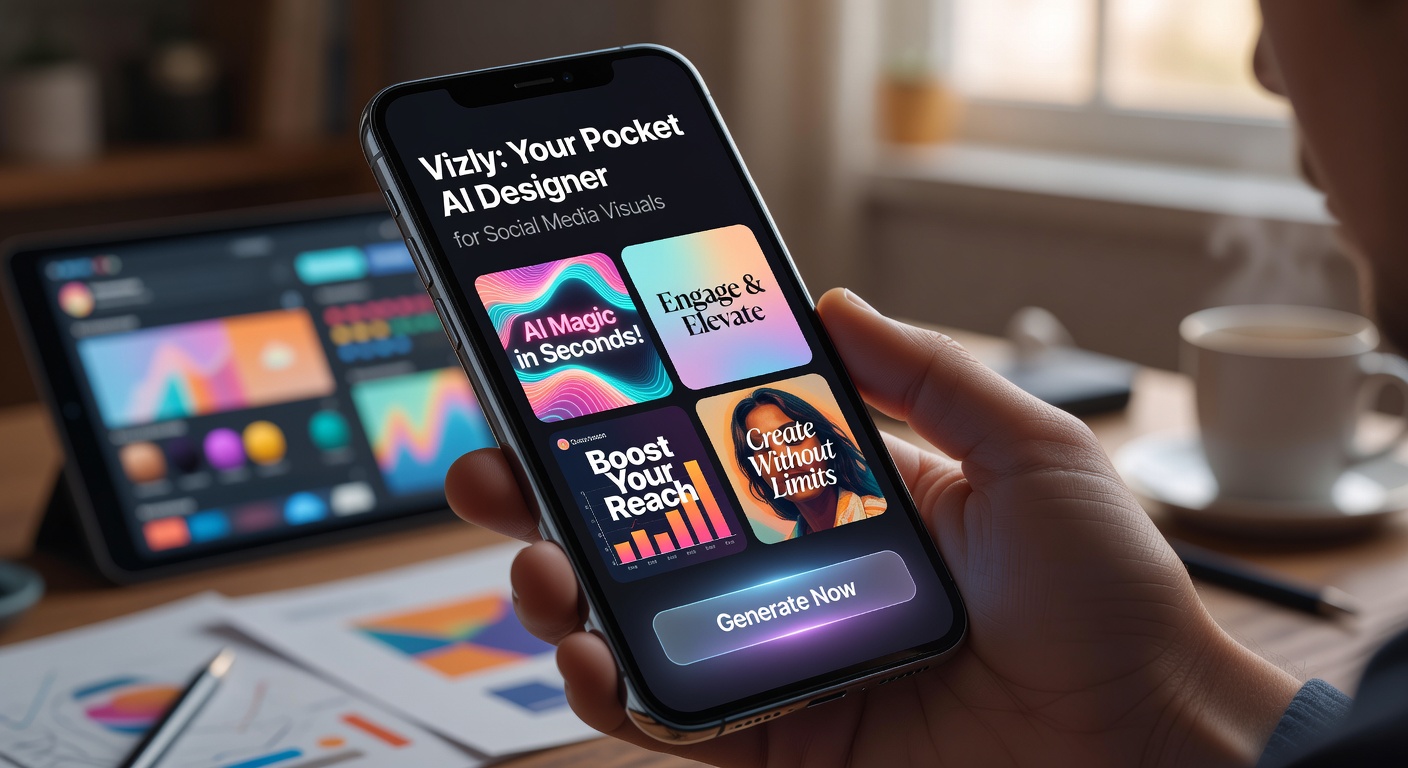
Vizly positions itself as that pocket-sized solution—not a full-blown creative suite, but a shortcut for turning text into social-ready visuals in minutes. After spending a week using it for real posting scenarios, here's where it shines and where it falls short.
Three real-world uses that actually work
The first thing I tested was a typical Instagram carousel. Instead of sourcing stock photos and layering text in Canva, I dropped in a prompt like "minimalist coffee shop interior, warm tones, vertical format, 1:1." Vizly generated four variations in under 30 seconds. Were any of them portfolio-grade? No. But two of them were good enough to post after a quick brightness tweak on my phone.
Next, I needed a mockup for a hypothetical product launch announcement. I tried "modern tech gadget on a marble surface, sleek lighting, social media banner format." The result wasn't photorealistic, but the composition was solid, and it saved me from building a whole background scene in a design app. For early-stage brainstorming, that's exactly what you need—speed over polish.
Finally, I used Vizly to generate abstract backgrounds for quote posts. The keyword here is "abstract." When you ask for something vague like "watercolor texture in pastel pink and blue, no text," the AI handles ambiguity well. It doesn't try to over-render realistic elements, so the artifacts are less noticeable.
Trade-offs worth knowing before you commit
Vizly is not a replacement for tools like Midjourney or DALL·E 3 if you need fine control. You can't adjust lens settings, lighting directions, or composition weights. The prompt-to-result pipeline is intentionally streamlined, which means you trade precision for simplicity. If your brand requires exact color palettes or consistent character faces across posts, you will likely be frustrated.
There's also the question of licensing. Vizly's terms say generated images can be used for commercial purposes, but always confirm: if you're producing content for paying clients, you want to be sure the model wasn't trained on copyrighted material that could create legal headaches. This is a general AI image generator concern, not unique to Vizly, but worth flagging.
Another practical limitation: resolution. The output is fine for Instagram, Facebook, or TikTok thumbnails. But if you need high-res banners for a website hero section or print materials, you'll notice compression artifacts and soft edges. Upscaling tools can help, but that adds another step to your workflow.
Who should keep it in their pocket
Vizly makes the most sense for solo creators, small business owners, and social media managers who need volume over perfection. If your typical week involves churning out ten image-based posts and you don't have the budget for a designer or a full Adobe subscription, the time saved is real.
On the flip side, if you're a brand photographer, a graphic designer, or anyone whose reputation depends on visual consistency and pixel-level detail, this tool will frustrate you more than it helps. Use it for rough concepts, not final deliverables.
The bottom line: Vizly is a practical pocket assistant, not a design revolution. It handles the 80% case well—quick, passable visuals for social—but leaves the remaining 20% of quality control entirely in your hands.
Comments
Leave a Comment