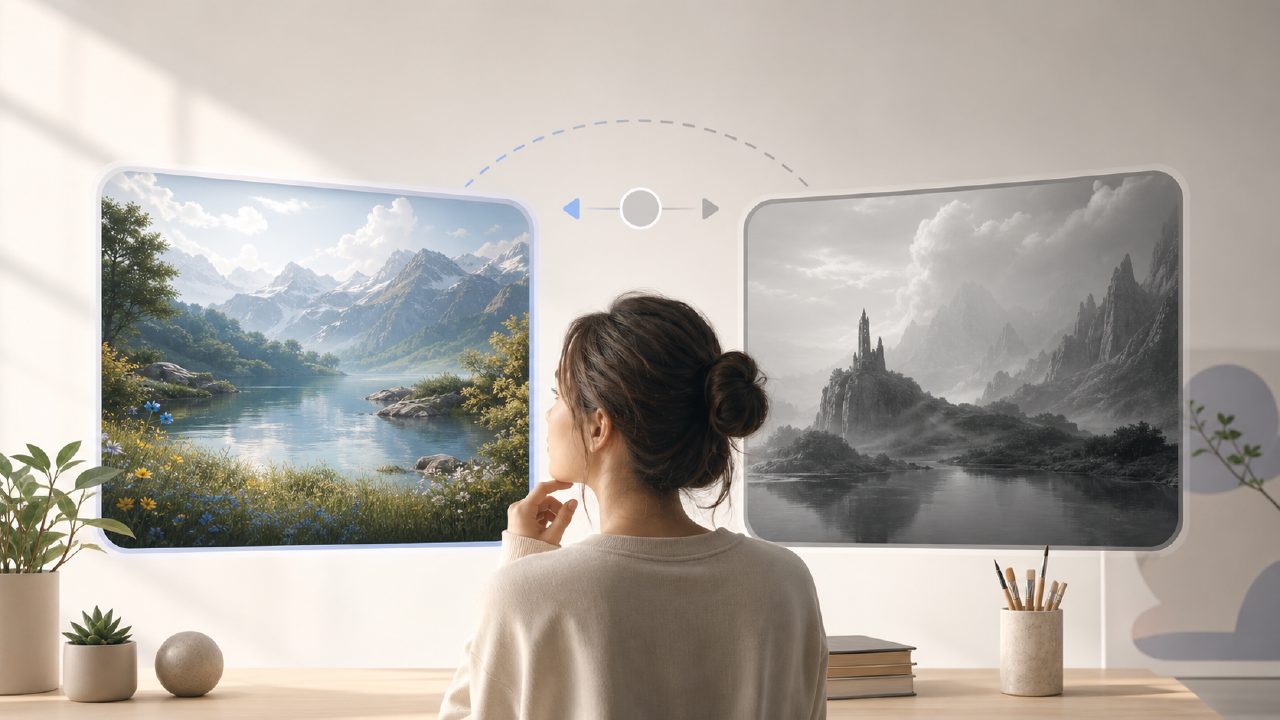
I’ve been testing Vizly as a possible free alternative to Kling AI, specifically because I needed something that wouldn’t hit me with a paywall after a few renders. Kling AI has solid image and video generation, but the free tier runs out fast, and I wanted to see if Vizly could handle similar prompt-to-image work without the same limitations.
What surprised me first was how straightforward the text-to-image pipeline is. You type a description, pick a style (photorealistic, cinematic, concept art, that kind of range), and it generates four variations in about 20 to 40 seconds. I threw in a few landscape prompts like “misty mountain at dawn with pine trees” and got back usable results quickly—sharp enough for blog headers or social media thumbnails. The first batch had decent composition, though some details like tree shapes got a bit smudged at the edges. That’s a common issue at this price point, so I wasn’t shocked.
Where Vizly fits as a kling ai alternative free option
If you’re looking for a kling ai alternative free tool that covers text-to-image generation without asking for a subscription right away, Vizly works. The free tier gives you a solid number of credits per day—enough to run maybe 10 to 15 generations depending on your settings. That’s more breathing room than Kling’s free allowance, which tends to run out after a few detailed renders. I didn’t hit any hard daily cap during the first two days of testing, which felt reasonable.
But here’s the tradeoff: Vizly is primarily an image generator, not a video tool. If you came looking for the best free ai video generator 2026 has to offer, Vizly isn’t that. It doesn’t produce animated clips or image-to-video sequences the way Kling AI does. If video is your main need, you’d be better off sticking with Kling’s limited free tier or exploring other dedicated video tools. Vizly fills a different role—quick visual creation for content, mockups, or design concepts.
Testing the image quality and limits
I tried a few more complex prompts, like “steampunk cityscape at sunset with zeppelins and cobblestone streets.” The output handled the lighting and sky well, but smaller details like gears on buildings became blurry—fine for concept exploration, not for final production assets. For anything where crisp detail matters (like product mockups or print materials), you’ll notice the compression. For digital use, social posts, or early-stage design ideas, it’s more than acceptable.
One friction point: the prompt editing is a bit clunky. If you want to tweak half of a prompt, you can’t just edit inline—you have to regenerate the whole request. This gets repetitive after a few rounds. I also noticed that faces in portrait prompts sometimes looked slightly off, with eye placement being uneven in maybe one out of four generations. That’s a known weak area for AI image generators in this range, so it’s not a dealbreaker, but worth knowing.
I’d also mention that Vizly doesn’t have as many style presets as Kling AI. You get maybe six or seven base styles, which limits the variety unless you write very detailed prompts. For someone who wants a lot of stylistic control, this might feel restrictive. For quick iterations and rough ideas, it’s fine.
Should you switch from Kling AI?
If your main frustration with Kling AI is credit limits and you’re mostly doing image generation anyway, Vizly is a reasonable free ai image and video generator 2026 alternative—though mostly on the image side. The video piece is missing, so if that’s essential, keep Kling. But if you need a daily driver for quick visuals, concept exploration, or content thumbnails without immediately upgrading to a paid plan, vizly holds up well enough to be worth testing.
My honest take: it’s not a full replacement, but it’s a useful secondary tool. The free access is genuine, the speed is decent, and the tradeoffs are predictable. If you can work around the occasional blurry detail and lack of video output, it’s a solid addition to your workflow. I’ll keep it in my rotation for early-stage ideation and see how the quality evolves with updates.
Comments
Leave a Comment