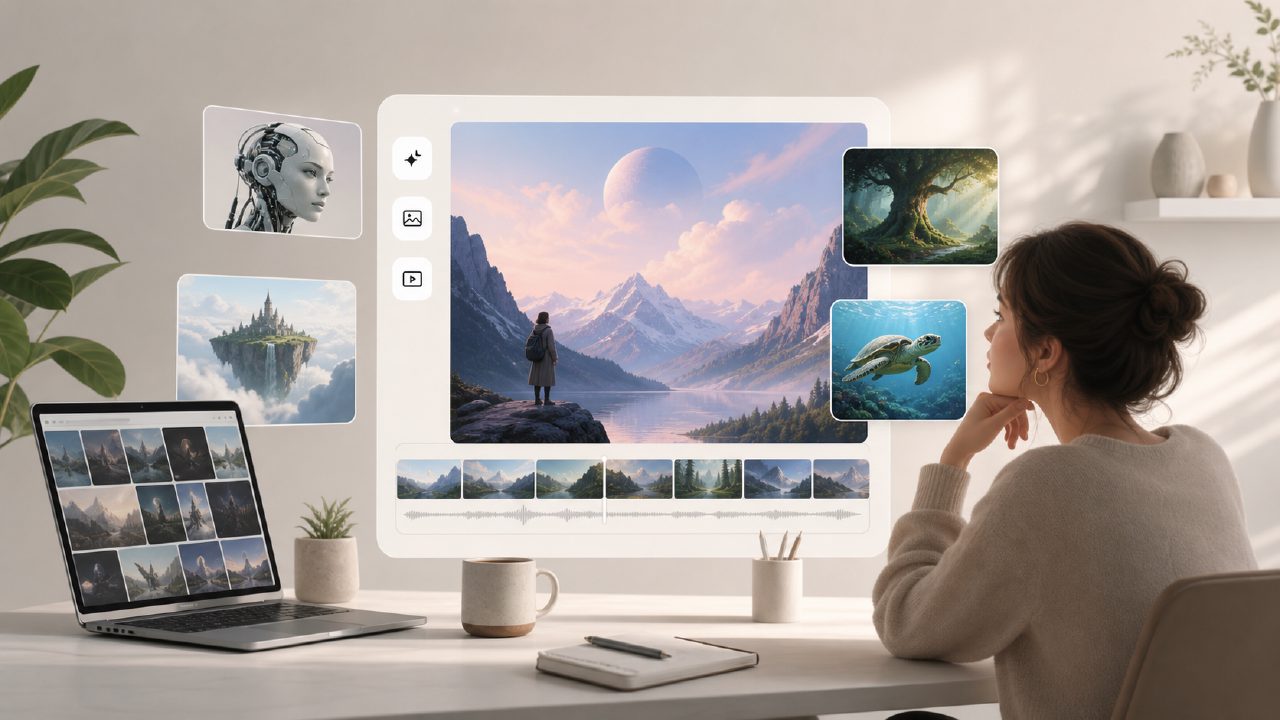
I needed to mock up some social media graphics and a short background clip for a client pitch, but I didn’t want to spend money on stock assets or subscribe to another design platform. So I started poking around for what’s available as a free AI image and video generator 2026 — and vizly came up pretty quickly. I spent a few days testing it against a handful of simple prompts to see if it could actually deliver usable output without hitting paywalls at every corner.
- Text-to-image is surprisingly decent for quick concepts. I gave vizly a prompt like “a mountain lake at dawn with a small cabin on the shore” and it produced a composition that captured the mood, even if the cabin had a window in a weird spot. For drafts, social posts, or brainstorming visual ideas, it saves a lot of time. You don’t need to be a prompt engineer — basic English worked fine.
- Video generation exists, but it’s not magic. The same prompt turned into a short looping clip. The motion was smooth enough for a background video, but the clip length was limited (maybe 4-5 seconds on the free tier). If you need something longer or more cinematic, you’ll have to re-roll or upgrade. I found it useful for quick backgrounds, not for final production.
- Free tier constraints are real but manageable. You get a certain number of credits per day (I think it was around 20-30 generations). Once you run out, you just wait. That worked for my testing, but if you’re cranking out multiple variations for a project, the limits will slow you down. Resolution also drops on the free plan — outputs were about 720p for video and 1024x1024 for images, which is fine for web use but not print.
- Prompt tuning took some trial and error. Abstract or non-visual concepts like “a daydream visualized as colorful smoke” gave me muddled results. The generator seems trained mostly on literal descriptions. That’s a limitation if you’re going for surreal or highly stylized visuals — you have to translate your idea into concrete nouns and scenes.
- No watermark on outputs — that’s a plus. Unlike some free tools that plaster logos all over the result, vizly ai image generator kept the images and videos clean. That alone made it more useful for client drafts or placeholder content where you don’t want visual noise.
A tradeoff worth noting: the video generator works best for slow, atmospheric motion. I tried a prompt for “a dog running through a field” and the movement looked jerky — almost like a glitch in the model. For abstract or static scenes, it handled better. So if you need dynamic action, you might need a different tool or an upgrade.
If you’re looking for an ai text to image video generator free in 2026 that doesn’t require a credit card to start, vizly is a solid option for casual use. It won’t replace dedicated software for high-end production, but for prototyping, social content, and exploring visual directions, it does what it advertises without locking you out after one use.
Comments
Leave a Comment