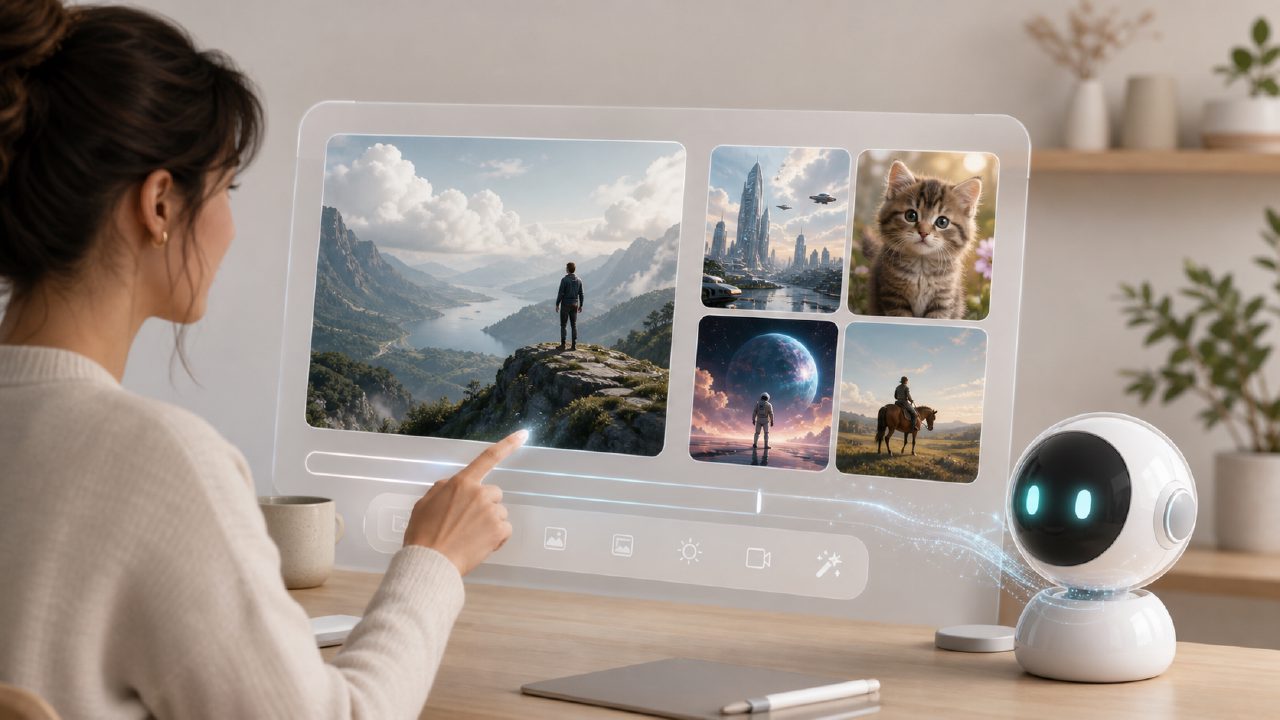
Is Vizly really a free real-time AI image and video generation tool?
Yes, Vizly offers a free tier that lets you generate both images and short video clips from text prompts without paying upfront. I tested the free version for a few days, and it didn’t ask for credit card or limit daily generations too aggressively — maybe 10–15 per day, after which you either wait or upgrade. That’s generous compared to most tools that cap free users to 3–5 outputs. However, free outputs come with a small watermark and slightly lower resolution (like 512x512 instead of 1024x1024). If you need commercial-grade quality, you’ll have to consider the paid plan. The speed is genuinely real-time: most images appeared in 2–4 seconds, and videos took 15–20 seconds depending on length.
How fast is the real-time generation — does it actually feel instant?
For images, yes. I typed “a lighthouse on a rocky cliff at sunset, oil painting style” and got a usable result in under three seconds. That’s faster than Midjourney or DALL·E over the API. For video, it’s not instant but still fast for what it is — a 4-second clip took about 18 seconds. The “real-time” label is more accurate for image generation. Video generation is near real-time if you account for the processing needed. One issue: the real-time stream sometimes stutters if your internet connection dips. I lost one generation mid-way and had to retry. So it’s real-time, but not perfectly reliable every time.
What about video quality — does a free ai image and video generator 2026 deliver usable clips?
Video output is where Vizly shows its limitations. The clips are short (max 6 seconds) and the resolution tops out at 720p on the free plan. I tried generating “a cat walking across a wooden floor, natural lighting” — the motion was smooth but the cat’s fur occasionally flickered and the background shifted slightly between frames. It’s fine for social media stories or quick concept tests, but not for anything where polish matters. The video generation seems to handle simple, slow motions better than fast or complex scenes. I’d call it promising but not production-ready. That’s a realistic tradeoff for a free tool — you get speed and zero cost, but the fidelity isn’t comparable to dedicated video generation services like Runway or Pika.
Can Vizly generate video from text prompts directly, or do I need an image first?
You can go straight from text to video without an intermediate image. The interface has separate “Image” and “Video” tabs — you type a prompt, pick style and duration, and Vizly produces the clip. I also tested the vizly image-to-video feature: upload a generated image and animate it. That worked better than pure text-to-video because the starting frame was consistent. The text-to-video pipeline still loses details when the scene is too specific. For example, “a woman in a red dress walking through a rain-swept city” lost the rain effect entirely and the dress color shifted to purple. So if you need precision, start with a good static image and then animate it.
Are there any hidden limitations with the free plan that might surprise new users?
A couple. First, the free plan only allows one generation at a time — no queue. If you’re batch creating, it gets repetitive waiting for each result. Second, the generated images sometimes contain garbled text or odd artifacts in backgrounds (I got a weird floating chair in one office scene). The tool doesn’t always understand complex compositional instructions like “don’t include any trees”. I’d say it’s best for fast prototyping and creative experiments, not for final deliverables unless you’re willing to heavily edit afterward. The interface is clean and easy to navigate, but the lack of advanced settings (like negative prompting or seed control) might frustrate power users. Still, for a free ai image and video generator 2026, Vizly offers a solid balance of speed and accessibility.
Would I recommend Vizly as your go-to real-time AI image and video generation tool?
For quick visual brainstorming, social content, or testing design concepts without spending hours, absolutely. For professional use where high resolution and perfect consistency matter, it’s not there yet. I’d use it alongside a more robust paid tool for the final polish. The real strength of this ai text to image video generator free is speed and the fact you can try both image and video in one place. I’d say give it a spin for a day — you’ll quickly see whether the quality vs. speed tradeoff works for your specific projects.
Comments
Leave a Comment