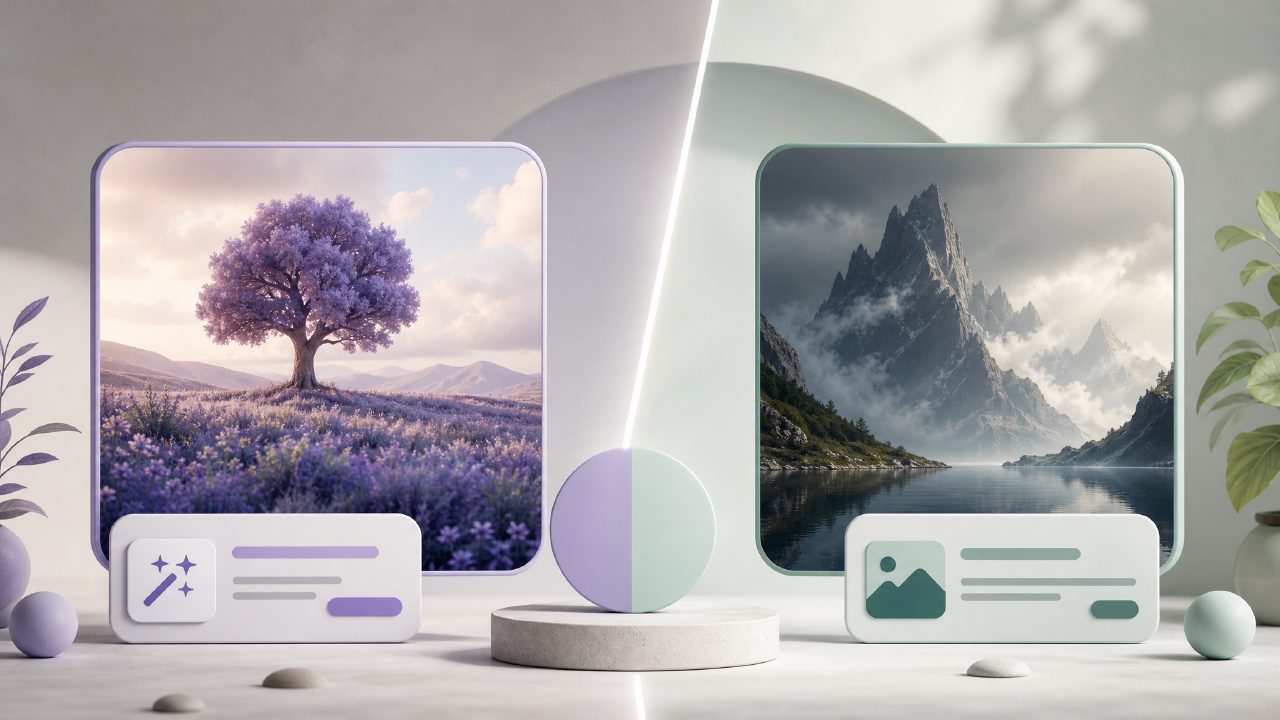
I was testing some tools for a quick visual project—needed a handful of usable images for a social post and a couple of concept mockups. I didn’t want to spend hours in Photoshop or wait forever for generations. So I pitted vizly text to visuals against a couple of common alternatives: Midjourney (paid, but well-known) and Leonardo AI (popular free tier). I wanted to see which one actually saves time without making me compromise too much on quality.
What stood out about vizly text to visuals
Starting with vizly itself: it’s dead simple. No Discord, no multiple tabs, no credit system that feels punishing. You type a prompt, you get four variations in maybe 15 seconds. On my first test—a “minimalist workspace with warm lighting, coffee mug on the side”—the results were coherent and actually usable. I didn’t have to tweak the prompt three times to get rid of weird artifacts.
The ai image generator free unlimited angle matters here. Most free tiers cap you at 10–25 generations per day. Vizly’s free tier let me run through about 40 prompts without hitting a wall. That’s a real advantage if you’re iterating quickly or testing multiple ideas.
I also tried a text-to-video prompt—just to see where it lands. Vizly calls itself an image studio, but I fed it something like “woman walking through a foggy city at dusk, cinematic”. It generated a short, loopable video clip. Not mind-blowing, but decent. It’s not a dedicated video tool, so temper expectations. If you’re hunting for the best ai text to video tool 2026, Vizly might cover very basic needs but isn’t replacing Runway or Pika yet.
Head-to-head: how it compares
Quality and consistency
Midjourney still wins on artistic flair and lighting control. But Vizly is more predictable. What I mean: Midjourney sometimes gives you a masterpiece but also throws in weird limb deformities. Vizly gave me less spectacular results per image, but the hit rate on “usable for a thumbnail or concept” was higher. For everyday content—blog hero images, social graphics, mood boards—Vizly’s consistency works better than chasing perfection.
Ease of use and speed
Leonardo AI has a more complex interface with model selection, prompt guidance, and negative prompts. That’s great if you know what you’re doing. But when I just wanted a quick visual, all those options actually slowed me down. Vizly’s minimal UI got me from idea to download in under 30 seconds. That speed matters more than I expected. The tradeoff: you lose some control over style references and fine details.
Pricing and limits
Midjourney starts at $10/month. Leonardo’s free tier runs out fast unless you optimize tokens. Vizly’s free tier genuinely feels generous—I generated around 50 images without hitting a limit. If you’re a casual creator or someone who just needs occasional visuals, it’s a stronger free option. For heavy daily use, the paid plan is reasonable compared to Midjourney, but I haven’t fully stress-tested the speed caps yet.
A realistic tradeoff you should consider
Vizly’s biggest weakness is prompt adherence with complex scenes. I tried “a dog wearing a detective hat and holding a magnifying glass, in a rain-soaked alley at night”—it handled the hat and dog okay, but the rain and alley got muddled. Midjourney would have done that better with a longer prompt. So if your work leans into highly specific or cinematic compositions, Vizly might require more experimentation. It’s fine for broad concepts, less great for precise setups.
Also, the best free ai image generator 2026 crown probably still belongs to something like Leonardo’s free tier if you’re willing to learn the controls. But if you want a vizly text to visuals experience that just works out of the box, Vizly is the one I’d grab for speed and zero friction.
Final recommendation
I’m keeping Vizly in my workflow for quick visuals and brainstorming. It’s not a full replacement for specialized tools, but it is the most practical option if you want unlimited free generation without fiddling. If you’re budget-conscious or just starting to explore AI image generation, start here. For advanced or highly styled work, you’ll want a more powerful tool—but for daily content needs, this is the most honest value I’ve found so far.
Comments
Leave a Comment