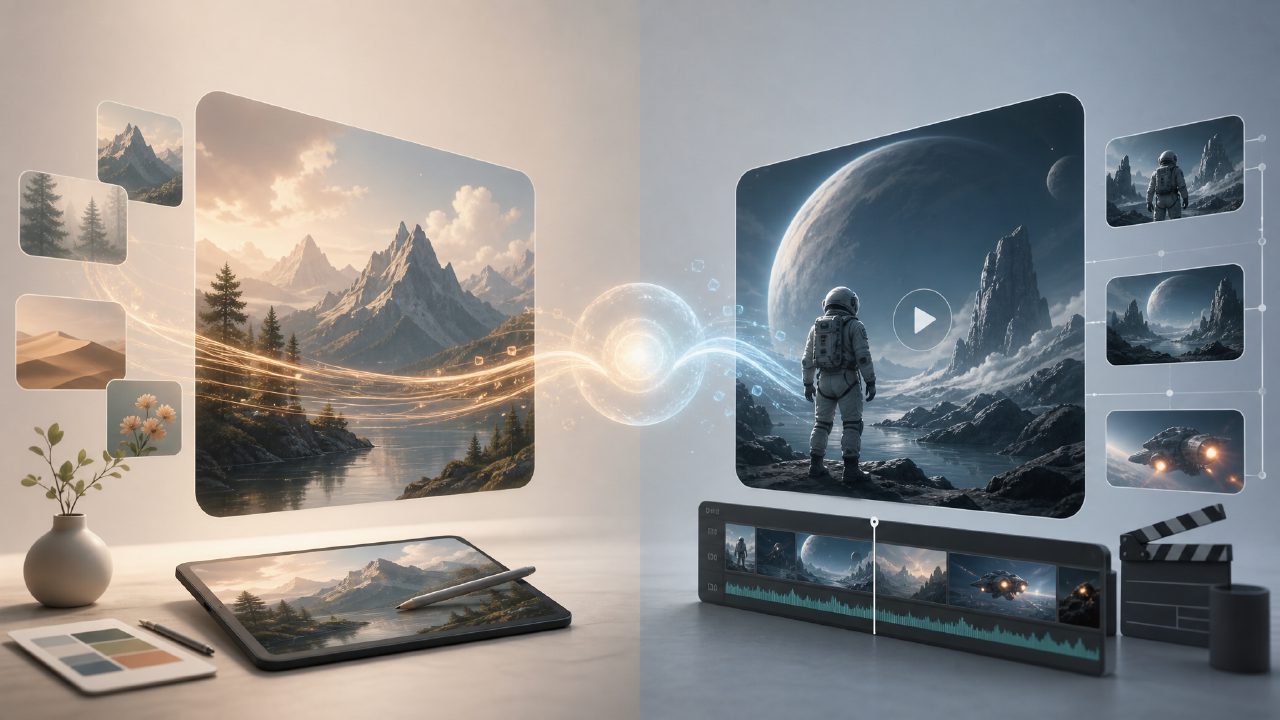
When I started looking for a fast way to generate visuals for a project last week, I kept seeing two names pop up: vizly vs kling ai. One is aimed at still images, the other at video. At first that comparison felt apples‑to‑oranges, but the more I used both, the more I realized they actually answer the same core need — turning text into something visual. The real question is which one gets you what you need faster and with less friction.
What each tool actually does
Vizly is an AI image generator. You type a prompt, it spits out a picture. Simple on the surface, but I was curious how it handled prompts with multiple subjects and specific styles. Kling AI, on the other hand, is focused on text‑to‑video. It generates short clips (usually a few seconds) from textual descriptions. If you’ve used Runway or Pika Labs, it’s in that territory.
Right away the use case split becomes obvious. For blog thumbnails, social media graphics, or mood boards, vizly makes more sense. For anything that needs motion — product demos, short ads, concept animations — Kling AI is the play. But let’s get into the hands‑on part.
Three observations from actual use
1. Speed vs depth
Vizly returned most images in under 10 seconds. That’s fast enough to iterate on ideas without losing momentum. Kling AI took 1–2 minutes per video generation. That’s still okay for a single clip, but if you need to test variations of a concept, the wait adds up. I found myself tweaking prompts in vizly more freely because the feedback loop was shorter.
2. Prompt handling
Both tools handle natural language decently, but let’s be honest — neither is perfect. Vizly sometimes ignored secondary objects in a crowded prompt. I asked for “a red fox sitting on a blue bench in a snowy park” and got the fox but the bench was just a vague brown shape. Kling AI had a different problem: it often over‑interpreted motion. I wrote “a coffee cup on a wooden table” and it gave the cup a subtle rotate that wasn’t asked for. You learn to prompt more precisely for each tool.
3. Quality ceiling
For stills, vizly produces clean, modern‑looking images that are good enough for most web content. They don’t have the ultra‑realistic polish of Midjourney v6, but for a free‑tier tool the output is respectable. Kling AI’s videos have decent coherence for 2–3 second clips, but beyond that you start seeing warping and flickering. Neither feels like it’s ready for final production without retouching.
A realistic tradeoff
The biggest tradeoff between vizly vs kling ai isn’t image versus video — it’s control versus convenience. Vizly gives you a finished image quickly, but you have limited ability to refine composition after generation. If your first prompt misses the mark, you’re starting over. Kling AI offers a few more parameters (camera motion, style presets), but you pay for that with longer generation times and a steeper learning curve.
Also worth noting: vizly offers a genuinely free ai text to visuals 2026 tier that doesn’t feel artificially restricted. I generated about 50 images before hitting any limit. Kling AI’s free tier gives you a handful of video credits per day, which runs out fast if you’re testing multiple prompts. If you’re looking for an ai image generator free unlimited experience, vizly comes closer to that promise, even if “unlimited” usually means a daily cap that resets.
Who should pick which
If you primarily need still visuals — social media posts, concept art, simple illustrations — start with vizly. It’s faster, the free tier lasts longer, and you don’t have to fight the tool to get a usable result. If your project absolutely requires motion and you have the patience to iterate on video prompts, Kling AI is worth testing as a best ai text to video tool 2026 contender, but don’t expect cinema‑grade output yet.
I ended up keeping both in my workflow — vizly for quick thumbnails and style exploration, Kling AI for short animated loops. Neither replaced the other. If you’re trying to decide, start with what your deadline allows and what format your audience actually consumes. That’s usually the honest answer.
Comments
Leave a Comment