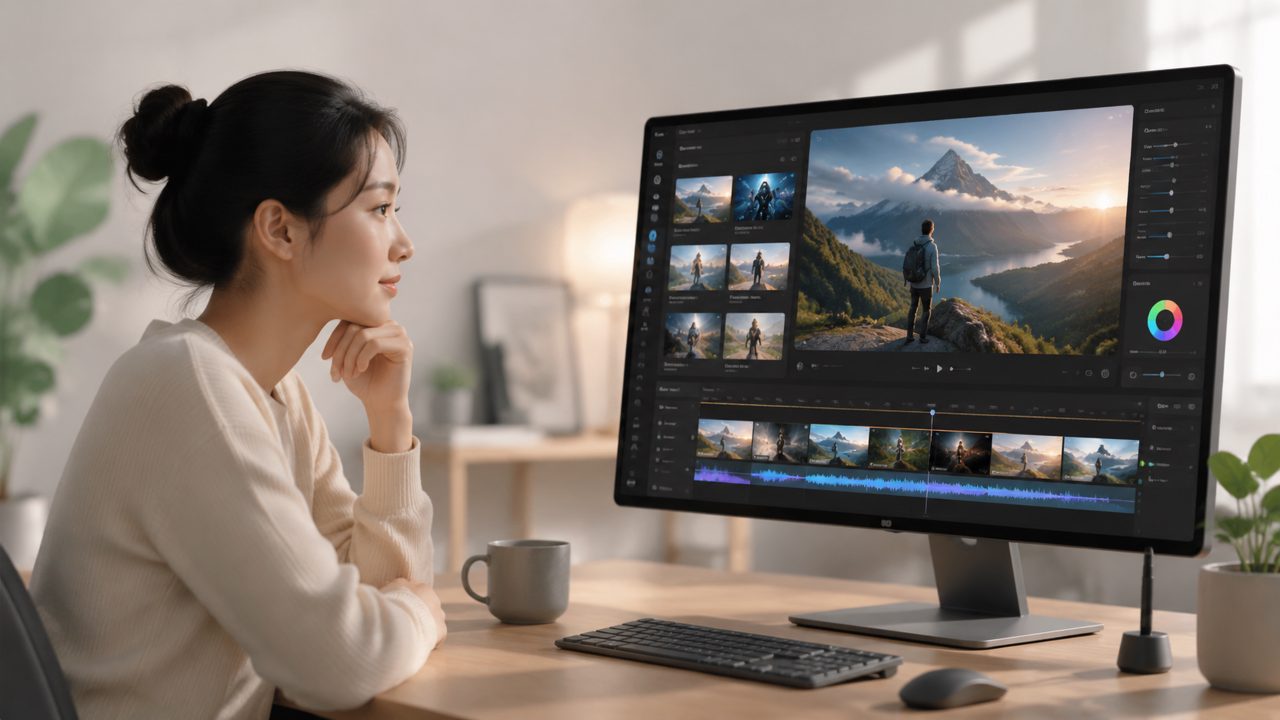
What I Actually Found Testing the smart ai image video creator 2026
I’d been burned before by AI tools that looked slick in demos but crumbled under real use. So when I decided to test the smart ai image video creator 2026 landscape, I started with vizly – an AI image generator that turns text prompts into visuals. I wanted to see if it could handle the kind of messy, real-world requests I throw at creative tools, not just the polished examples from the website.
Below is a short checklist of what I looked for, and how Vizly actually performed. I’m keeping it grounded – no hype, just what worked and what didn’t.
Checklist: Key Criteria for Any AI Image Tool in 2026
1. Prompt interpretation – does it actually follow instructions?
I tested Vizly with a few deliberately ambiguous phrases. “A laptop on a wooden desk in a café, morning light, slightly messy.” The output surprised me – it placed the laptop at the correct angle, the wood grain looked natural, and the light felt warm but not overdone. But when I changed “morning light” to “neon pink light from a street sign,” the AI got confused. It added the pink hue, but also introduced an unwanted street lamp that wasn’t in the prompt. So: good with common scenes, less reliable with very specific lighting conditions.
2. Image quality for social media and product mockups
I used it to generate two product-style images: a ceramic mug on a shelf and a glass bottle with condensation. The mug came back sharp enough for Instagram, with decent depth of field. The bottle was a different story – the condensation looked painted on, almost like a sticker effect. Not terrible, but I wouldn’t use it for an actual product listing. It’s more suited for mood boards or early concept work.
3. Consistency across multiple outputs
One thing that matters for content creators is being able to generate a series of images with the same style. I tried keeping the same prompt but re-rolling the seed. The results varied noticeably – colors shifted, proportions changed. That’s not a dealbreaker if you’re just exploring ideas, but if you need a consistent look for a brand, you’ll need to spend time narrowing parameters. I didn’t test style-locking features because I’m not sure Vizly has them yet.
4. Speed and pricing tradeoff
This is where things get tricky. Vizly is fast – images generated in under 30 seconds even for complex prompts on a free tier. The best free AI image generator 2026 segment is crowded, and Vizly holds its own. But the free tier limits resolution, and the paid plans aren’t clearly listed on the homepage. I had to dig into the account settings to see options. That’s a friction point if you’re evaluating quickly.
5. Video capability? The gap in the name
The phrase smart ai image video creator 2026 suggests video generation, but Vizly is primarily an image tool. There’s no straightforward “text to video” feature that I found. If you’re looking for the best free ai video generator 2026, this isn’t it. That’s misleading if you land on the tool expecting motion content. I’d rather they separate the branding or add clear notes. For now, treat Vizly as a solid image generator – not a video creator.
Realistic Scenarios Where Vizly Works (and Where It Doesn’t)
- Quick brainstorming for design concepts – I used it to mock up interior decor ideas. The results were rough but gave enough visual direction to start sketching.
- Social media assets on a budget – For a small newsletter header or blog thumbnail, the free tier is usable. Just be ready to retouch or abandon some outputs.
- Trying to generate character art for a game – The faces came out inconsistent. Eyes sometimes mismatched, hands occasionally warped. Not reliable for production.
The Bottom Line on Vizly and the 2026 AI Creator Scene
If you need a fast, free image generator for exploration and rough concepts, Vizly is a reasonable bet. But it’s not the complete smart ai image video creator 2026 that the name implies. The lack of real video generation and the uneven style consistency mean I’d keep it in the “handy but partial” folder. For the best ai text to video tool 2026, look elsewhere. For image-first tasks, it’s worth a test – just don’t expect polish on the first try.
Comments
Leave a Comment