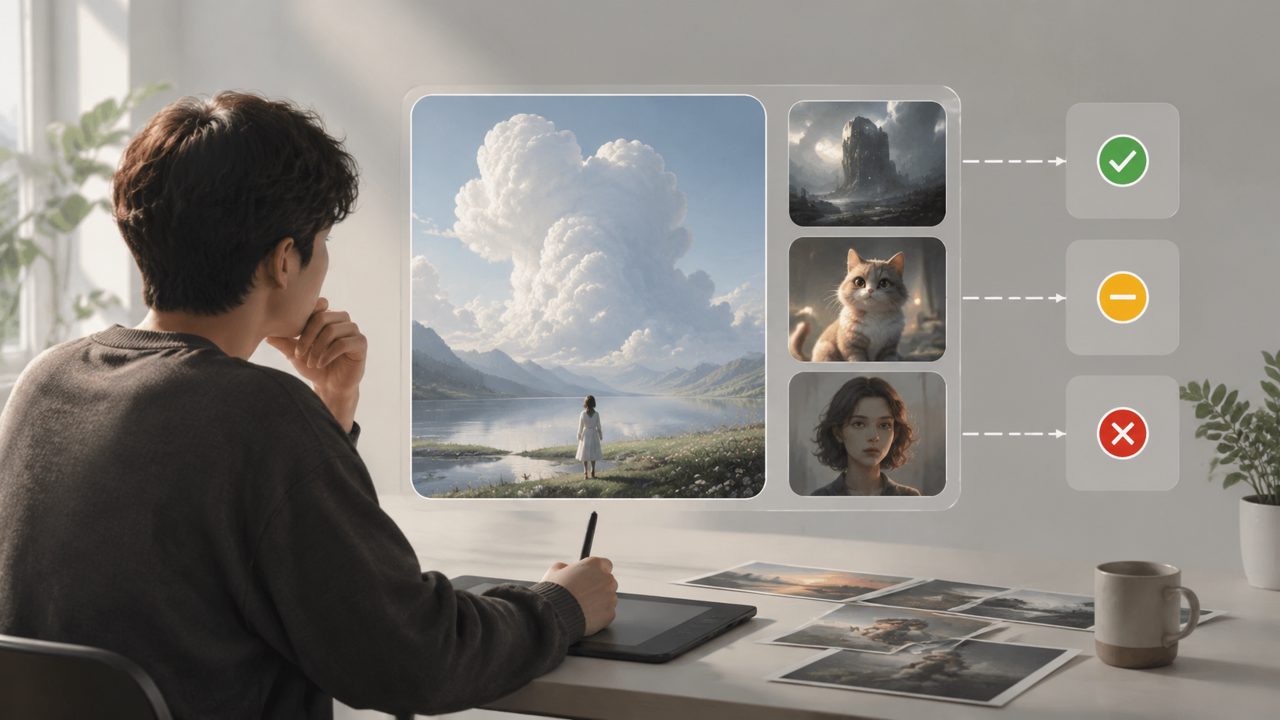
I needed a fast, decent-looking visual for a blog post about urban gardening. Nothing too elaborate—just a header image that didn’t scream “generic stock photo.” I’d been bouncing between different image generators for months, and none quite fit the sweet spot of speed, quality, and no steep learning curve. That’s when I decided to give vizly a proper test run, using that single real-world scenario to see if it could actually deliver.
Setting up the test: one prompt, multiple tries
I opened Vizly Image Studio and typed a straightforward prompt: “a small balcony garden in a sunny city apartment, morning light, realistic style.” The output came back in about 15 seconds. First impression—the lighting was decent, the composition was fine, but the plants looked a bit too uniform. I tweaked the prompt by adding “random, messy leaves” and “morning shadows.” The second generation handled the texture much better. That quick turnaround (no queue, no confusing sliders) was the first thing that stood out. For someone who just wants an image and doesn’t want to fiddle with model versions or negative prompts, it worked.
But here’s where the concrete observation kicks in: the tool is clearly tuned for aesthetics rather than strict adherence to a prompt. In my balcony scene, the “urban” part was well captured, but the tomato plant I mentioned got replaced by a generic flowering bush. It felt like the model prioritized a pleasing scene over exact object placement. That’s a tradeoff to consider if you need very specific elements.
What worked better than expected
I ran three more prompts—a product mock-up for a ceramic mug, a cartoon character for a newsletter, and a splashy abstract background for a podcast cover. The abstract and the cartoon were strong out of the box. The mug image had a weird handle angle, but one re-roll fixed it. For general AI 绘画 tasks where you need something visual quickly without burning through credits, Vizly felt solid.
One thing I genuinely appreciated: the interface doesn’t overload you. No dropdowns for style presets, no hidden weighting sliders. Just a box, a resolution choice, and a generate button. That simplicity speeds up iteration. I made about 12 images in under ten minutes, and most were usable after minor retouching in Canva. For a content creator on a deadline, that’s valuable.
Where it gets a little shaky
Consistency across similar prompts is not perfect. When I tried to recreate the balcony scene a third time (to get a different angle), the model gave me a completely different apartment layout and lighting scheme. That’s not unusual for AI generators, but if you’re trying to produce a series of images for a consistent brand look, you’ll need to manually curate more than you might expect. I wouldn’t call it a dealbreaker, but it’s a friction point worth noting. The tool is great for one-off visuals; less ideal if you need a coherent visual identity from scratch.
Another mild limitation: the free tier gives you a generous number of generations per day, but the resolution is capped at 1024×1024. For social media thumbnails and blog headers, that’s fine. For print or full-resolution use, you’ll need to upgrade. That’s a realistic tradeoff—most free image generators have similar caps, so it’s not a unique drawback.
How does it compare to what people are searching for?
While I was working with Vizly, I noticed that many readers searching for best free ai image generator 2026 are likely looking for this exact blend of speed and output quality. Vizly fits that category well, as long as your expectations are realistic about prompt fidelity. Some visitors also search for best ai text to video tool 2026 or best free ai video generator 2026—Vizly doesn’t do video, so it won’t replace those tools. But if you’re already using a video generator for motion graphics and need an image generator to create frames or backgrounds, it’s a logical companion rather than a competitor.
For the purpose of a walkthrough like this, the main takeaway is that AI 绘画 via Vizly is practical, not flashy. It doesn’t overpromise. You type, you get an image, you tweak. The learning curve is near zero. And while I wouldn’t rely on it for ultra-detailed sci-fi concept art, it absolutely handles the everyday content needs I threw at it.
Final practical note
If you test it yourself, start with a single concrete image need—like I did with the balcony—and run a few variations before judging. Don’t compare it to high-end diffusion models that require hours of fine-tuning. Treat it as a utility tool that gets you 80% of the way there in a fraction of the time. That’s a fair assessment, and that’s likely the real value behind what people mean when they look up AI 绘画 for quick, usable results.
Comments
Leave a Comment