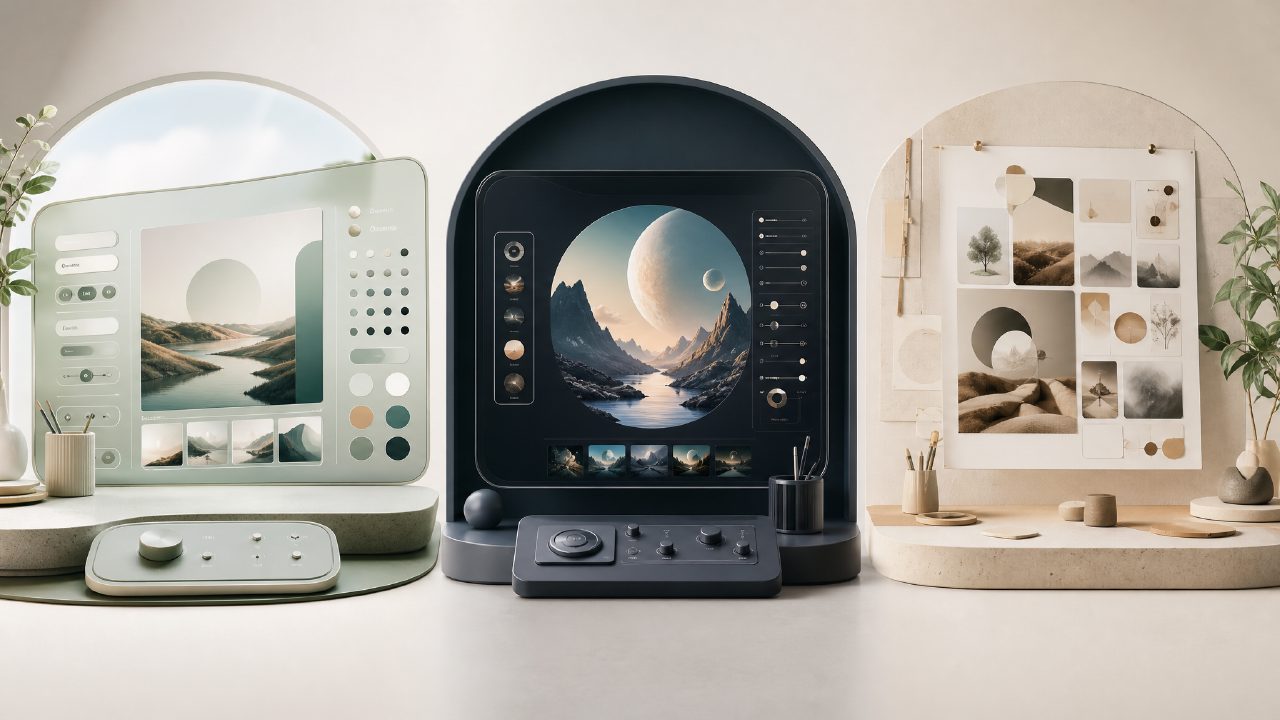
If you’ve spent any time with AI image tools, you know the real work isn’t clicking “generate.” It’s prompt engineering—the art of phrasing, tweaking, and rephrasing text until the output actually matches what you pictured in your head. And if you’ve tried three different generators in one afternoon, you’ve probably noticed that the same prompt can produce wildly different results. That friction is exactly why I started comparing how different platforms handle prompt engineering, and why I ended up spending extra time with vizly.
I keep a running list of prompts I’ve tested across tools. Some, like Midjourney, require very specific syntax and negative prompting. Others are more forgiving but give you less control. I wanted to see if there was a tool that hit a sweet spot—flexible enough for quick experiments, but structured enough to save me from rewriting the same description five times. That’s what led me to the Vizly AI image generator.
Head-to-head: Vizly vs. the prompt-engineering grind
Let’s be specific. I took three prompts I’d been fine-tuning for a design concept project and ran them through three setups: a generic free online generator, Midjourney (the usual reference point), and Vizly. The goal was to see how much actual prompt engineering was needed per result.
Generic free generator
The first test used a “free ai image and video generator 2026” I found online. It spat out images, but the connection between my text and the output was loose. I had to add “photorealistic,” “soft lighting,” and “wide shot” before anything looked intentional. Prompt engineering here meant brute‑force keyword stuffing. It worked, but it felt like guessing.
Midjourney
Midjourney is powerful, but it has its own dialect. The same prompt needed “–ar 16:9”, style references, and often a “–no” list to remove unwanted elements. The results were great after iteration, but the learning curve is real. For someone who just wants to test an idea quickly, it can feel like an extra job.
Vizly
Vizly handled the same prompts with noticeably less friction. It seems to interpret natural language more directly. Where the generic tool needed five attempts to get consistent composition, Vizly gave me usable images on the second try. It’s not that you can skip prompt engineering entirely—you still need to describe what you want clearly—but the feedback loop is tighter. I found myself spending more time refining the idea and less time debugging the prompt.
One realistic tradeoff
Vizly doesn’t give you the same low‑level controls as Midjourney. There’s no parameter for chaos, stylization, or weighting certain words. If you’re working on a very specific cinematic look and need that level of control, you might still prefer a tool with more knobs. But for most day‑to‑day work—concept art, social content, mood boards—the tradeoff is worth it. Less time engineering prompts, more time acting on the results.
A cautious take on prompt engineering
Here’s the thing I don’t see enough people saying: no tool can replace the skill of prompt engineering entirely. You still need to know what details matter. Vizly makes it easier to get there, but I still had to rephrase a few prompts when the lighting was off or the subject wasn’t centered. That’s normal. What I appreciated was that when I made a small change, the output shifted predictably. That consistency is rare in free tools.
One small friction point: the free tier limits resolution on some outputs. For quick ideation it’s fine, but if you need a final asset, you might want to export at a higher setting. That said, the vizly ai image generator handles text prompts smoothly, and it also supports video generation, which is a nice bonus if you’re testing motion concepts. I tried the ai text to image video generator free option and it worked without extra setup—just a checkbox in the interface.
Who should switch?
If you’re already comfortable with prompt engineering and have a workflow locked in, you might not need to change. But if you’re new to AI visuals, or if you’re tired of fighting with syntax, Vizly removes a lot of the noise. It’s especially good for quick creative experiments where you want to test an idea in minutes, not hours. The prompt engineering still matters—but now it matters in a good way, because you’re thinking about the concept, not the formatting.
For a free ai image and video generator 2026, the prompt support is solid. It doesn’t pretend to be a full‑blown production suite, and that honesty makes it more useful for everyday work. My recommendation: start a session with a rough idea, feed it to Vizly, and see how much closer you get on the first try compared to your usual tool. For me, the difference was big enough to make it my go‑to for early‑stage design work.
Comments
Leave a Comment