There’s a moment that anyone who’s tried to design something knows well. It usually hits around 11 p.m., after you’ve cycled through 14 font pairings and color palettes that look great but say absolutely nothing. Your brain is fried. The brief says “creative concept,” but your feed is full of washed-out pastels and corporate minimalism.
Maybe the problem isn’t a lack of skill—it’s a lack of emotional bait. The thing that gets people to pause, to actually look, is rarely perfect alignment. It’s often something slightly off, a bit weird, or just plain funny.
That’s where AI humor comes in, and Vizly Image Studio is surprisingly good at this exact thing. Not because it’s the most photorealistic generator—it’s not. But because it lets you treat image-making like a sketchpad for punchlines.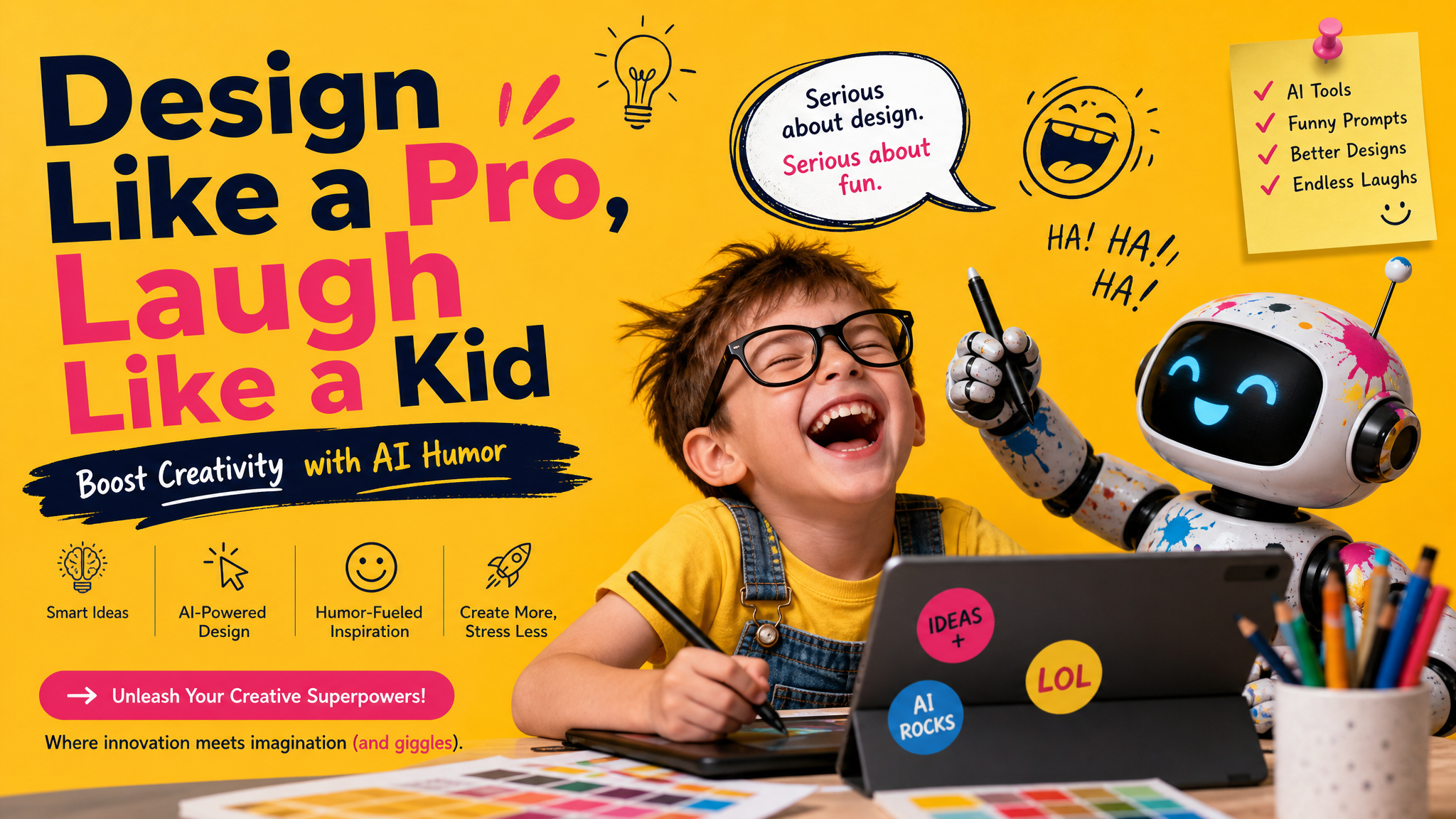
When “Better” Isn’t Better: The Unserious Edge
Most AI image tools chase polished realism. If you type “professional workspace,” you’ll get a clean desk, a macbook, and a succulent that looks like it was approved by three committees. But that image is forgettable. Nobody shares it.
I’ve been testing Vizly specifically for absurd, borderline ideas. Prompts like: “a corporate CEO made out of pizza giving a motivational speech,” or “a cat trying to assemble IKEA furniture while visibly regretting being born.” These things would cost way too much to illustrate. But in Vizly, you type it, wait about 30 seconds, and you get something that actually makes you laugh.
And here’s the catch: the output isn’t flawless. Sometimes anatomy gets a bit warped, or the lighting is off. But for humor-driven content—social posts, merchandise ideas, concept art for a zine—that imperfection actually adds to the charm. It feels less like a polished ad, more like a human joke.
Three Situations Where Lazy Garbage Becomes Great Content
1. Brainstorming without the pressure.
I work with a friend who runs a small coffee shop. He wanted a social media campaign about “second date coffee anxiety.” We typed ten variations into Vizly—some were creepy, some were meh. But one, a cartoonish espresso cup wearing a helmet, got sent around the shop group chat. That became a sticker set. It took maybe 6 minutes. If we had hired an illustrator, we’d still be on the email thread.
2. Thumbnail ideas that actually get clicks.
There’s a whole economy around video thumbnails where the peak of human expression is “shocked face with red arrow.” It gets old. A friend of mine runs a tech channel and tried Vizly for a concept where he wanted “a cute robot looking at the audience with a confused twist.” The image he used? A robot with a crooked tie and a question mark floating above its head. It outperformed all his “clean professional headshot” thumbnails. Probably because it looked like it was having fun.
3. Inside jokes for small communities.
Discord servers, hobby forums, friend groups—people love visuals that feel personalized. I generated a nonsense meme about a “classical composer who discovers electronic music through cheap after-party snacks” for a music production group. The image was terrible quality, the text was slightly garbled, and it became an inside joke for weeks. The reaction wasn’t “nice design,” it was “that’s so perfectly dumb.”
The Tradeoff You Should Actually Care About
Let’s be real. Vizly is not the tool to use if you need a client-ready brand deck. If the assignment is “corporate website hero image” or “clean product mockup,” you’re probably better off with Midjourney or DALL·E 3. Vizly’s strength is speed and looseness. It leans towards the weird side of the prompt, which sometimes means the execution is rough around the edges.
That roughness is literally the feature for the use case I’m describing. If you want an image that looks like it was made by a committee, don’t use this tool. But if you want an image that makes someone smirk, stop considering, and actually share it with a friend—that’s the sweet spot.
Also, there’s a learning curve to prompt humor. You can’t just type “funny cat.” You have to be specific about the why. “A cat wearing a tiny paper crown who has too much confidence” works better than “funny cat.” The AI needs you to describe attitude, not just objects. Once you get the hang of that, the results start matching your brain’s internal stupid jokes.
Should You Use This for Real Work?
Yes, but only for certain stages. For early concepting, for internal laughs, for social content that doesn’t need high polish, or for personal projects where your only goal is to make yourself giggle—this is genuinely useful. It lowers the barrier to entry from “I need design skills” to “I have a weird idea.” That’s not nothing.
If you’re a designer who’s been doing too many serious projects, spending 20 minutes generating stupid images with Vizly might shake something loose. It worked for me. I ended up with a visual metaphor I’d never have drawn myself, and it made its way into real client work after a few edits.
Don’t think of it as a replacement for professional tools. Think of it as a doodle pad for your sense of humor. Sometimes the best way to design like a pro is to allow yourself to be completely not professional for a while.
Comments
Leave a Comment