You know that feeling. You have a killer visual in your head—maybe for a presentation slide, a social post, or just a personal project—but your drawing skills peaked in middle school. Or you open Canva and spend 40 minutes dragging elements around, only to end up with something that looks… fine. Not great. Just fine.
That’s where Vizly Image Studio steps in. It’s an AI image generator that actually gets out of your way. Type in what you want, wait a few seconds, and boom—you get a usable image. No design degree required, no expensive software. And honestly? It’s pretty fun to play with.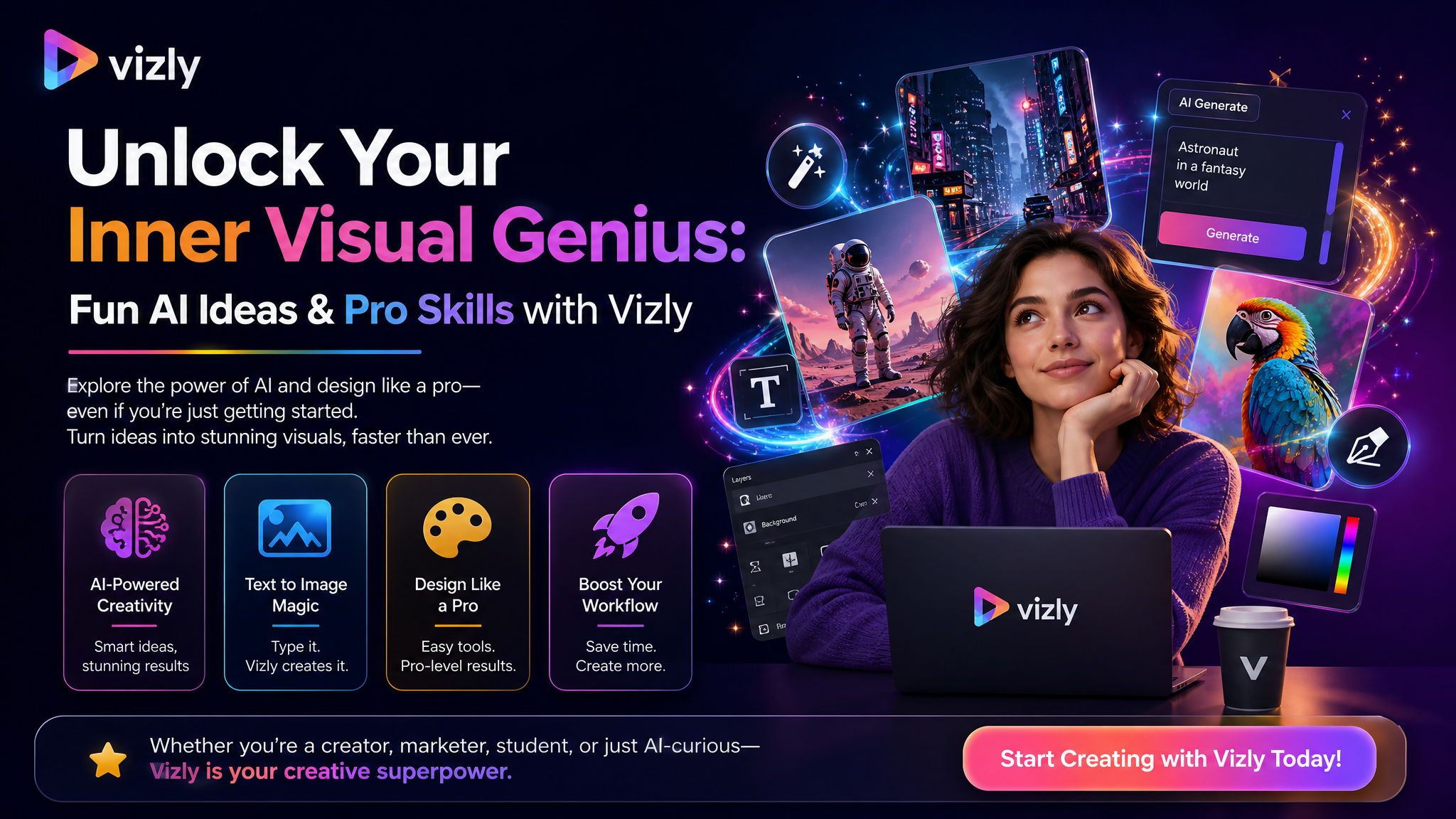
Three ways Vizly saves your creative butt
1. Deck slides that don’t scream “stock photo”
You’re prepping a pitch for your side hustle. You need an image that says “sustainable fashion meets streetwear” without looking like a generic photo of a forest. With Vizly, you can write something like: “model wearing oversized upcycled denim jacket, Tokyo street style, soft neon lighting, cinematic mood” and get back something that actually fits your vibe. Not a random guy in a green field.
2. Social media content that stops the scroll
Let’s be real—posting the same aesthetic photo everyone else uses is a fast track to being ignored. Vizly lets you generate unique visuals for Instagram stories, TikTok thumbnails, or even Pinterest pins. I tried “dreamy cloud castle with floating books, pastel sky, digital art” for a bookish aesthetic account, and the result was weird enough to work. People actually DMed asking what software I used.
3. Design experiments with zero risk
Sometimes you just want to see what an idea looks like before committing real time. For a branding mockup, I asked Vizly for “minimalist cactus logo on a tan background, clean lines” and got a few variations I could quickly iterate on. No need to open Illustrator, no hours wasted on a concept that might not work.
The honest tradeoffs you need to know
Vizly is fast and beginner-friendly, but it’s not a magic bullet. If you need pixel-perfect control over every detail—like precise typography or exact brand colors—you’re still better off with human-made design tools. The AI can get creative, but it sometimes generates details that are slightly off (extra fingers, weird reflections). For professional client work, you’ll either need to retouch or treat it as a starting point.
Also, style consistency is tricky. If you generate ten images with the same prompt, you’ll get ten different results. That’s fine for inspiration, but problematic if you need a cohesive set. Pro tip: save the seed numbers or use the same style reference when you want a series to match.
Is Vizly for you? Ask yourself: Do I spend more time stressing over visuals than actually creating content? Do I need quick, decent-looking images without becoming a designer? If yes, it’s worth a shot. If you’re already comfortable with tools like Photoshop or Midjourney, you might find it too limited—but for the rest of us who just want results, it hits the sweet spot.
Start with something stupid. Type in “penguin DJ playing turntables, neon club, graffiti background” and see what happens. The best way to unlock your visual “genius” is to stop overthinking and just generate. Iterate the prompt. Tweak the vibe. You’ll surprise yourself.
Comments
Leave a Comment