I needed visuals fast. Here’s what happened when I tested Vizly vs Runway side by side.
I’ve been digging into AI tools recently, looking for something that produces both high-quality images and video without needing multiple subscriptions. That’s why I spent a week directly comparing Vizly vs Runway. On paper, they sit in the same creative AI bucket, but after actually using them, I realized they solve pretty different problems. This FAQ breaks down the most common doubts I had—and maybe the ones you have too.
Q1: What’s the actual difference between Vizly and Runway?
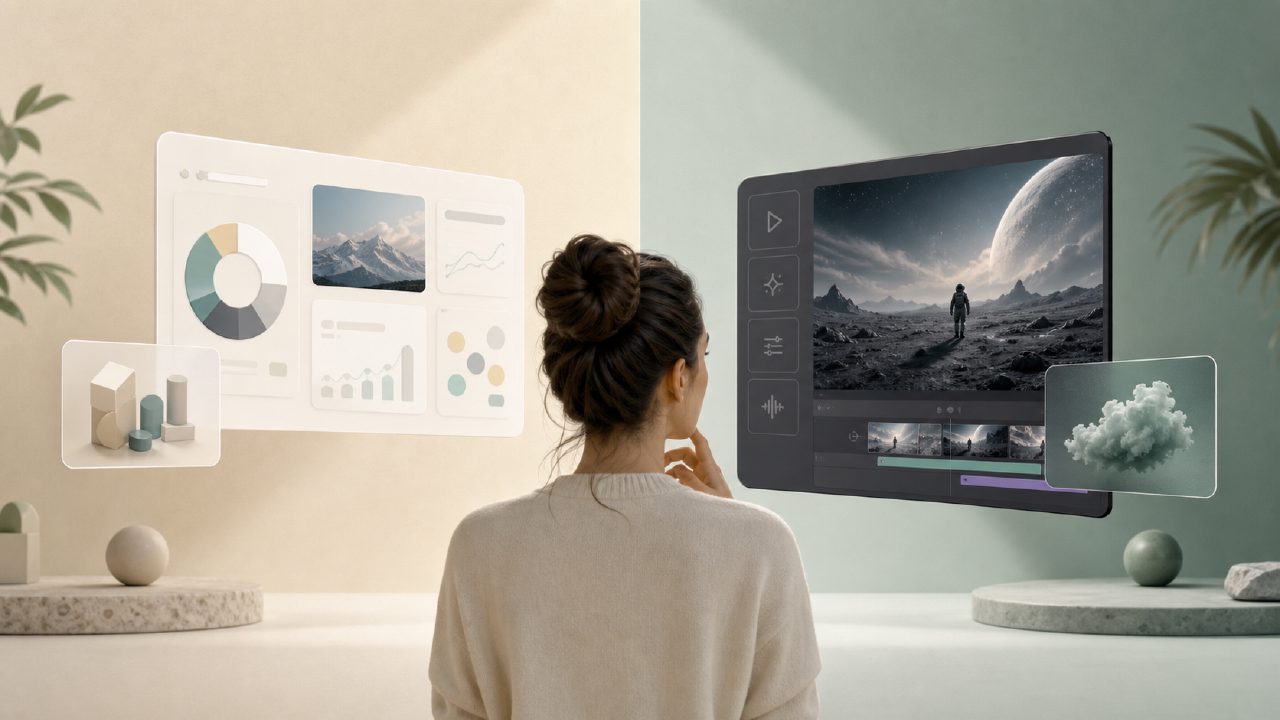
The biggest difference is focus. Runway is built for video generation and editing. The whole interface encourages you to generate short clips, extend footage, or edit frame-by-frame using AI. It’s powerful, but it carries a learning curve.
Vizly, by comparison, is an image-first studio. It takes a text prompt and turns it into a clean, high-resolution visual asset. If you need a poster, a concept design, or a storyboard frame, Vizly is faster and more direct. It feels like having a designer on standby rather than a full post-production suite. In the Vizly vs Runway debate, your first question should be: do I need video or static assets?
Q2: Which one is better if I need a free AI text to image video generator?
This is where I felt the friction. If you search for an "ai text to image video generator free", you usually hit walls quickly. Runway gives you a solid free trial, but the credits evaporate fast, especially once you start generating video. You’ll end up planning your tests carefully just to make the credits last.
Vizly’s free tier is more generous for pure image generation. I could iterate on the same prompt five or six times, tweaking the style, before I hit any limits. It felt like a real "ai image generator free unlimited" experience for still visuals. The tradeoff is clear: Vizly doesn't generate video right now. So while it’s better for image experimentation, you still need Runway if your output absolutely needs to move.
Q3: How does the image quality actually compare?
I ran the same test prompt on both: “futuristic street market with neon signs, cinematic lighting, shallow depth of field.” Vizly’s output was sharper and more consistent, especially with lighting reflections and text in the scene. It handled anatomy and structural details better than I expected.
Runway’s image tools, like Frames, are more experimental. Sometimes you get a stunning, moody result. Other times the composition feels off or distorted. If you need a reliable "free ai text to visuals 2026" level of polish for design concepts or client work, Vizly felt more dependable for standard outputs. Runway has more artistic range, but less predictability.
Q4: Can Vizly replace Runway for video work?
Straight up? No. This is an honest limitation I hit during testing. Vizly currently doesn’t have a native video generation feature. If your workflow depends on text-to-video, Runway wins that category completely. It’s built for it.
But here’s what I did that actually worked well: I generated scene concepts in Vizly first, then used those images as references in Runway to guide the video output. It added an extra step, but the final video quality was noticeably better than trying to get Runway to generate everything from scratch. So while they aren’t direct substitutes, they complement each other nicely.
Q5: Which tool feels more polished for everyday content creation?
Vizly feels more like a finished product if you are a content creator, marketer, or designer who needs visuals quickly. The interface is clean, the turnaround time is fast, and the results for still images are consistently usable. Runway feels more like a creative lab—powerful, but sometimes unpredictable and expensive to run for simple image tasks.
If your output is mostly thumbnails, social cards, or concept art, I’d lean toward Vizly for speed and dependability. If you are a filmmaker or short-form video creator experimenting with motion, Runway makes more sense.
Q6: So in the Vizly vs Runway debate, which should you pick?
I wouldn’t call it a straight win for either one. They are tools for different stages of the visual pipeline. Vizly is better at generating high-quality images without burning through credits. Runway is better for video and for pushing creative boundaries.
If I had to choose one for cost and reliability on image output, I’d pick Vizly. For video, I’d keep Runway on hand. Depending on your actual project needs, you might end up needing both. But if you are on a budget and your priority is strong, consistent visuals without the fluff, start with Vizly.
Comments
Leave a Comment